All posts by teghanrenee

Final Video

Final Video Story

Visual ElementsAudio Elements
0:00-0:00:12:26 Short video of me with just face showing and room as background I talk briefly about what this video is going to be about and what it is going to have in it. 
00:00:12:27-00:00:48:10 Outfit coming together on my bed starting with my skirt and adding things until we get into the final accessory I describe each piece and why I choose to put this outfit together the way I did. I also included a tip about making styling outfits easier 
00:00:48:11-00:01:07:06Video and picture of me with the outfit onI explain why I decided to incorporate this and talk a little bit about the outfit
00:01:07:06-00:01:35:20 Video with the outfit coming together starting with the dress until I got into the last accessoryI talk about how I put the outfit together and why I decided to included what I did
00:01:35:21-00:-02:00:02 Video and pictures of last outfit I put together and tried on I talk about the outfit and thank everyone for watching


For my video project I decided to do it on a styling video. My topic for my class is me and I feel like I am always expressing myself through my clothes and I also am a fashion major. For my initial video idea I came up with the idea to do a vlog based styling video that shows how I put together outfits. I knew I wanted to do a informational type video but I couldnt decide on how to incorparate this with fashion. I decided on styling becuase my other friends and peers are always so surprised how well and fast I put together outfits. I feel like this video was both informational and easy to watch.

For my draft I started with getting inspiration from other fashion you tubers specifically Koolen Diaz. She had many videos on her channel about putting together outfits and how to style certain pieces for your wardrobe. This is a link to her youtube channel. https://www.youtube.com/channel/UCd5UcZg0E7x0fyHJP9Iu1tg As for creating the video I started by thinking and researching fashion trends to see what I wanted to include in my video because this would make it more interesting to watching for people who are not into fashion and for people who are. After this I decided on the trends cowgirl and fanny pack. This is what I stayed my outfits with in the video. After this I recorded myself doing an intro and putting the outfits together. Once this was complete I took pictures and videos of myself in the outfits. Then on to the editing portion.

When editing I started by importing my videos and pictures in premiere pro. Once this was complete I positioned them all into the correct way to make it flow. Then I began using the razor tool to meet the time requirement and shorten out clips that were not necessary. After this, I flipped some of my videos because they imported in backward I did this through the effects window in premiere pro. As for my feedback most of the students said the same thing, I should add audio over some of the video clips and add a fade-in. This is what I decided to do for my revisions because watching my video back I completely agreed with the other students. I added in audio that I recorded on my Iphone and imported in. The audio was basically explaining what was happening in certain portions of the video. I added this in with the overwrite tool because the audio that was first there I wanted to be deleted. I added the fade-in for the pictures with the opacity panel within the effects window. I made the beginning of the pictures 0% so you could not see them and the end of the pictures 100% so they could be fully visible then. This concluded all of my revisions and I hope you enjoyed my video! Thank you!

Final Video Draft

Ideas and Inspiration

For this project I decided to create a styling video because my topic is about me for this class but this is my major and my hobby. I decided to start by brainstorming ideas of videos I could create that involves fashion. Some of my other ideas were go shopping with me and video about the best places to shop according to your budget and style or a how to find your style video. I decided these videos were not what I was aiming for and I finally decided on how I style outfits video. My inspiration for this project was  a youtuber Koolen Diaz. https://www.youtube.com/channel/UCd5UcZg0E7x0fyHJP9Iu1tg 

She does a lot of informative youtube videos about how dress certain things. 

Design Process

I was inspired by Koolen design principles as far as going back and forth from video and pictures for contrast. I was also inspired by fashion trends that are happening right now. For my research I used social media apps like Instagram and also the vogue app to see what trends were going to be hot next year so my video can have more relevance because we are going to be transitioning into the next season soon. I also tried to style my outfits for the colder weather for this reason also. I feel like these elements were very significant to my design because the video was about fashion so it is very important I did my research. The beginning of my design process started with me researching other fashion videos to see what I actually enjoyed watching. Next I picked my outfits out and recorded myself in the outfits and how I put them together. Next I uploaded and decided how I wanted to place the videos and outfits and where. 

Technical Detail

The videos and pictures I used were collected on the same day with my Canon camera and Iphone camera. I used most of the tools on Premiere but the most used for me were the razor tool and the tool used to turn videos. When I imported my videos a lot of them were upside down so I googled this and found a solution. These were my challenges with this project, turning my videos and cutting the time down to be exact.

Final Audio Podcast Story

Originally for my podcast, I wanted to emphasize how much I have changed throughout my life by interviewing someone who has known me my whole life like my mom and someone who has only known me a short period of time like my boyfriend. Since then I have changed the focus of my project to see how different people view me. I interviewed three people: my mom, sister, and boyfriend. In my draft, I wanted to include background noise because I thought it made it sound more like a vlog so more laid back and personal. Listening to my last draft I decided to change this because it sounded more distracting than anything else. I also still kept the idea of having the voices bounce back from one another because I felt like that is more intriguing than listening to the same voice. MY process for creating this was the same. I started by generating a list of questions I wanted to ask. I made sure that all my questions did not need a long answer because of the time requirement and they were open-ended questions. After that, I interviewed everyone on my phone and airdropped the interviews on my laptop onto Audition. From here I went through the interviews jumbling up the answers and editing all the unnecessary parts out. For the final, I made sure to focus on the quality of the interviews. I wanted the audio to be as consistent as possible throughout the entire podcast. I also decided not to go with music in the background because I could not find any that fit perfectly for the vibe I wanted my podcast to have. It is also important to note that I did all-new interviews instead of editing my last one. I felt like this was a smart decision because my last interviews were not the best sound quality and at times you could not hear what was being said.

Draft Audio Podcast Story

For my podcast I wanted it to show how different people see me and how much I have grown since I was a little girl to the woman I am now. For the podcast I decided to not go with music but I am still keeping it in mind. It was hard for me to find music that was not too distracting or music that fit the vibe of my podcast. I want my podcast to sound easy going but still entertaining and the music sounded forced. I will still keep this idea in mind despite of this. For my podcast I had people’s voices go back and forth because that sound interesting but I am thinking about changing this and only doing it half way through my podcast because I do not want it to sound too jumbled up and people can not understand what I am trying to say. I would also like to go back and add one more person or interview too add to the dynamic. I am also thinking about adding more questions that really shows the contrast between who I am now and who I was when I was little. I feel like at some parts this was obvious but it could have been shown better. For the actual process I just started by adding the interviews in and cutting them at certain parts. From there it was all about placement. Where I was going to place certain voices and questions to be best understood by my audience. For example I made the voices go back and forth when I asked them to describe me. This was harder to do at times because I had more footage with one person and I did not want it to sound like just that person for too long or it sounded weird when you did hear another person’s voice.

Audition Tutorials

<iframe width=”100%” height=”166″ scrolling=”no” frameborder=”no” allow=”autoplay” src=”https://w.soundcloud.com/player/?url=https%3A//api.soundcloud.com/tracks/648945857&color=%23ff5500&auto_play=false&hide_related=false&show_comments=true&show_user=true&show_reposts=false&show_teaser=true”><iframe width=”100%” height=”166″ scrolling=”no”

<iframe width=”100%” height=”166″ scrolling=”no” frameborder=”no” allow=”autoplay” src=”https://w.soundcloud.com/player/?url=https%3A//api.soundcloud.com/tracks/648945650&color=%23ff5500&auto_play=true&hide_related=false&show_comments=true&show_user=true&show_reposts=false&show_teaser=true”&gt;

<iframe width=”100%” height=”166″ scrolling=”no” frameborder=”no” allow=”autoplay” src=”https://w.soundcloud.com/player/?url=https%3A//api.soundcloud.com/tracks/648945389&color=%23ff5500&auto_play=true&hide_related=false&show_comments=true&show_user=true&show_reposts=false&show_teaser=true”&gt;

My profile: https://soundcloud.com/user-193940278

Direct Links:

Final Logo

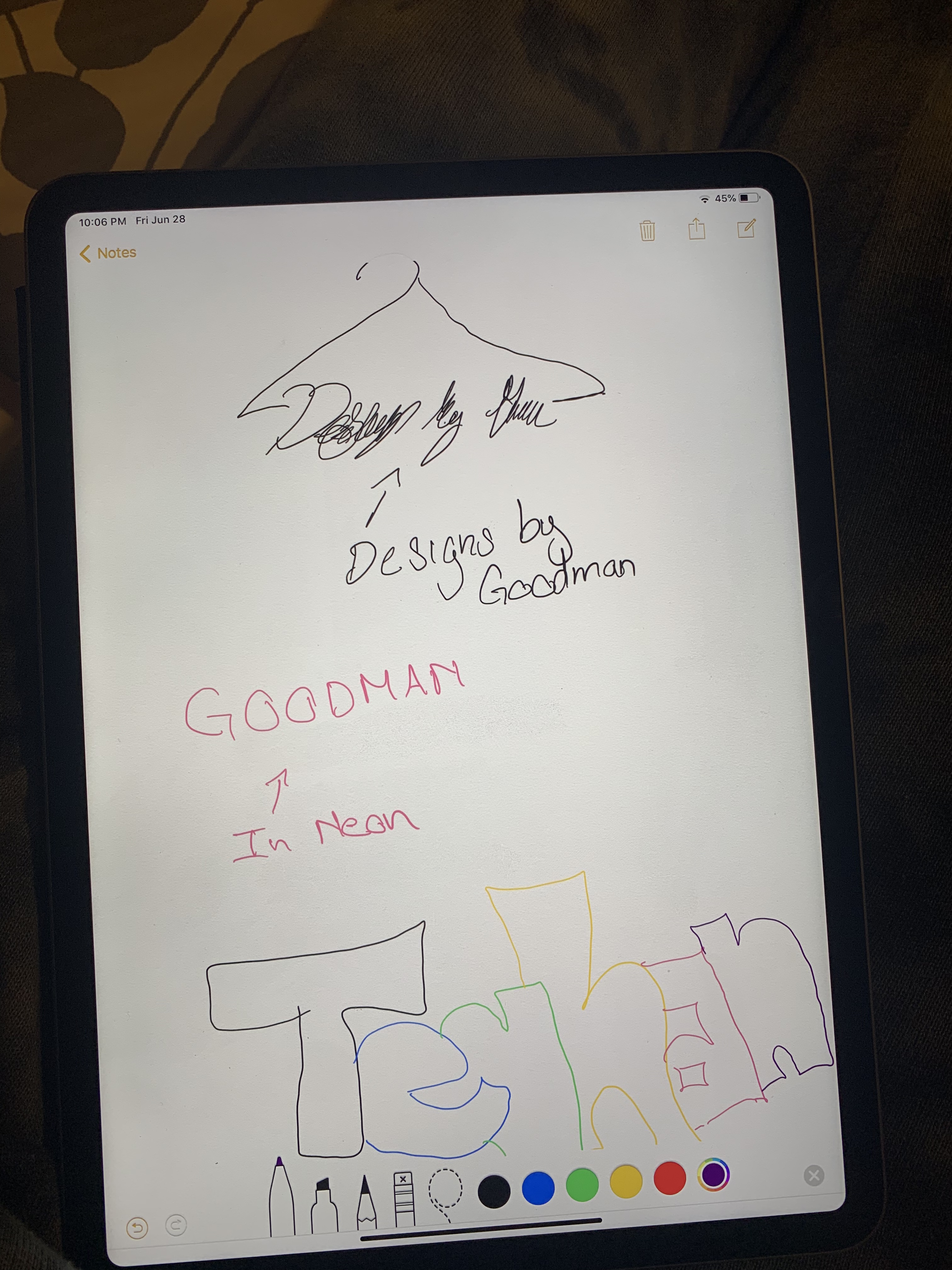
My logo is based on a business I want to create styling people for their day to day wear or important events like prom or weddings just to name a few. Originally I decided to go with just text because I knew I wanted to make it gradient or neon and I feel like adding images would make it too busy. I decided on styles by T because it was catchy and easy to remember and I feel like the best logos are just that. I decided that I wanted to add an image because it was boring with just text and I wanted to make my text a regular color and the hanger gradient. I decided on gradient because it was eye-catching which is what I intend to do with the people I style. I think this gradient effect shows that clearly. For my process, I started with making the hanger. I got a hanger picture from google and outlined it with the pen tool. To make this easier I just did one half of the hanger and transformed and copied the other half 90 degrees. I also decided to keep the other gradient I had created for the words styled by t. To do the I clicked the hanged and the eyedropper tool and clicked the old logo and the gradient copied onto my hanger. After this, I clicked the text tool and went to the font to pick a new one. I knew I wanted my final font to be easy to ready but not basic so I decided on the font Snell Roundhand. To make my design more cohesive I made the word the same color as the top of the hanger using the eyedropper tool. Overall I really like my design a lot better and I think I will use this for my business in the future. I think the hanger added the cohesiveness that my piece was missing. I also think that adding the words to the bottom made it more balanced as a whole. I think that making the hanger gradient instead of the words makes it easier to read and look less busy but still stand out from other logo’s.

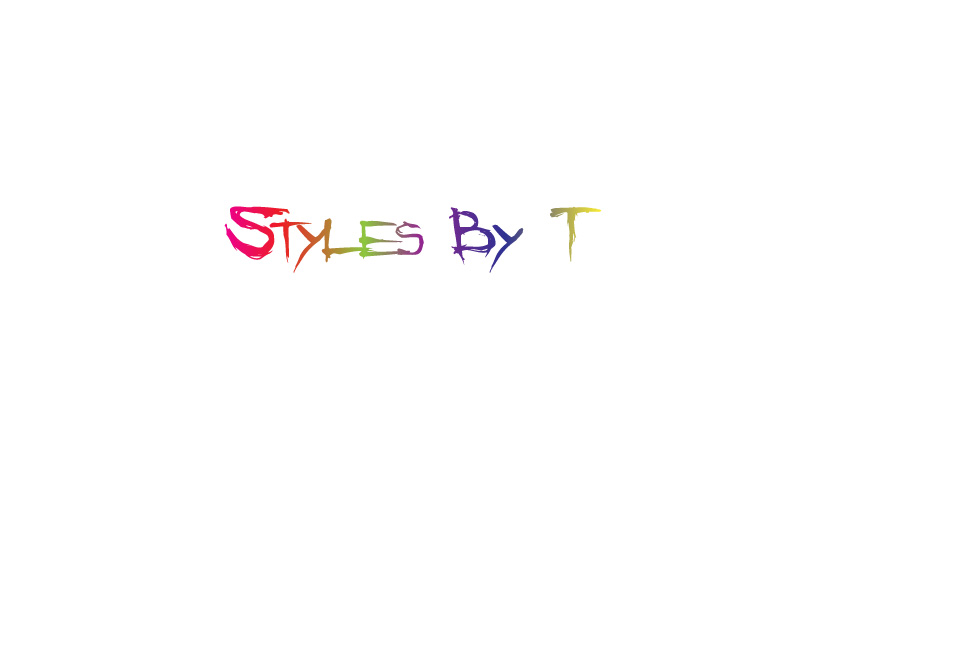
Logo Draft

For my logo I decided to do one based on a business I have in mind for styling people for day to day wear or important events. I decided to go with just text because I knew I wanted to make it gradient or neon and I feel like adding images would make it too busy. I decided on styles by T because it was catchy and easy to remember and I feel like the best logos are just that. If I do add an image I would like to create a hanger and have it hanging off of my logo. I was thinking of using the letter y for it. I think this will create a nice balanced logo without too much going on which is what I am afraid of. I decided on gradient because it was eye catching which is what I intend to do with the people I style. I think this gradient affect shows that clearly. I also went with the text Angry Blue because it was edgy and gave it a rebellious look. I basically wanted my styling to reflect in my logo so people have a better understanding of the brand as a whole. For the process I started with typing my text and choosing the style angry blue. From there I went to object path and offset path to create the same word underneath. I edited these to -5 to make the appear on the inside. I deleted some letters and left other to create a double lettering affect. This is also how I made more slashes in certain letters. After this I went to the gradient tool and made my text a gradient but adding more colors in the scale becauseI wanted it to be colorful. It is also important to note before adding the gradient I choose no fill for the text because this creates a more clean gradient and none of the words disappear.